

WordPress Configuration
All Nadi settings are configured from the WordPress admin interface at Settings → Nadi.
The settings page has 4 tabs: Credentials, Shipper, Sampling, and Status.
Credentials Tab
Enter your API credentials to connect the plugin to your Nadi account.
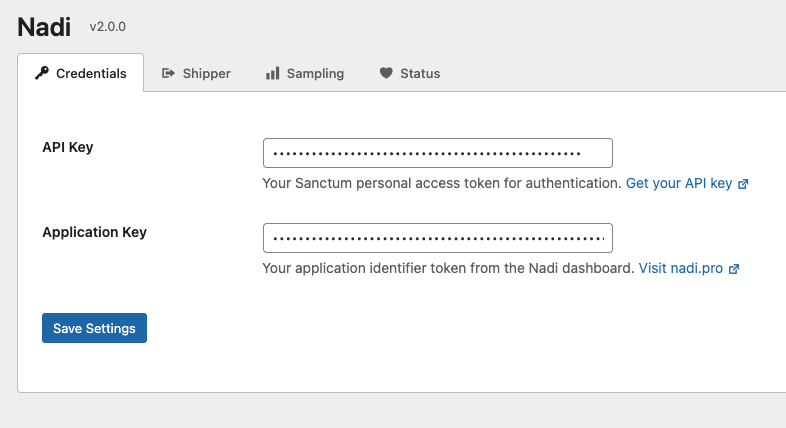
| Field | Description |
|---|---|
| API Key | Your Sanctum personal access token for authentication. Get your API key |
| Application Key | Your application identifier token from the Nadi dashboard |
Shipper Tab
Configure the Shipper binary that sends your exception logs to the Nadi API.
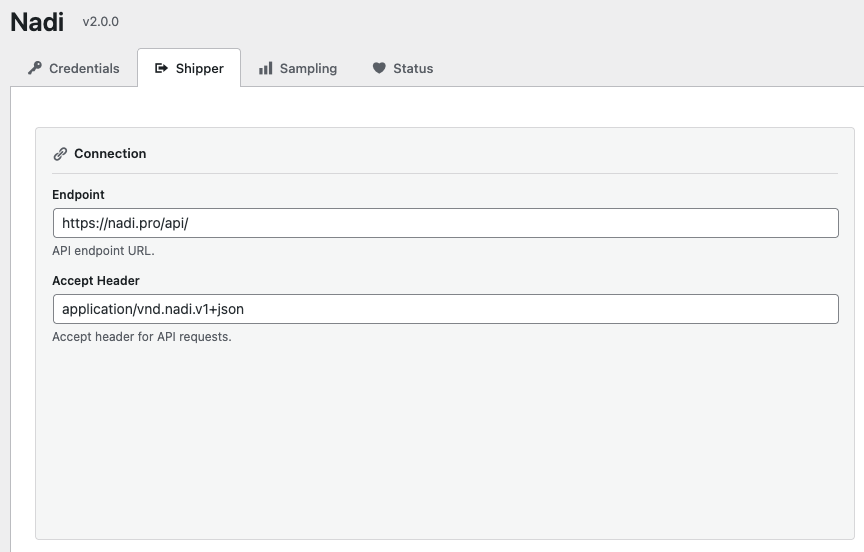
Settings are organized into 6 sections:
Connection
| Field | Default | Description |
|---|---|---|
| Endpoint | https://nadi.pro/api/ | Nadi API endpoint URL |
| Accept Header | application/vnd.nadi.v1+json | HTTP Accept header for API requests |
Storage
| Field | Default | Description |
|---|---|---|
| Storage Path | Plugin's log/ directory | Directory where JSON log files are written |
| Tracker File | tracker.json | File used to track which logs have been sent |
| File Pattern | *.json | Glob pattern for log files to process |
| Dead Letter Dir | (empty) | Directory for logs that failed to deliver |
Performance
| Field | Default | Description |
|---|---|---|
| Workers | 4 | Number of concurrent workers for sending logs |
| Compress | Off | Enable gzip compression for API requests |
| Persistent | Off | Keep HTTP connections alive between requests |
Retry
| Field | Default | Description |
|---|---|---|
| Max Tries | 3 | Maximum retry attempts per log batch |
| Timeout | 1m | Request timeout (e.g., 30s, 1m, 5m) |
| Check Interval | 5s | Interval between checking for new logs |
Security (Beta)
| Field | Default | Description |
|---|---|---|
| TLS CA Cert | (empty) | Path to custom TLS CA certificate |
| TLS Skip Verify | Off | Skip TLS certificate verification |
WARNING
Do not enable TLS Skip Verify in production. This is for development/testing only.
Monitoring (Beta)
| Field | Default | Description |
|---|---|---|
| Health Check Address | (empty) | Address for health check endpoint |
| Metrics Enabled | Off | Enable Prometheus metrics export |
Sampling Tab
Control the volume of captured events using sampling strategies.
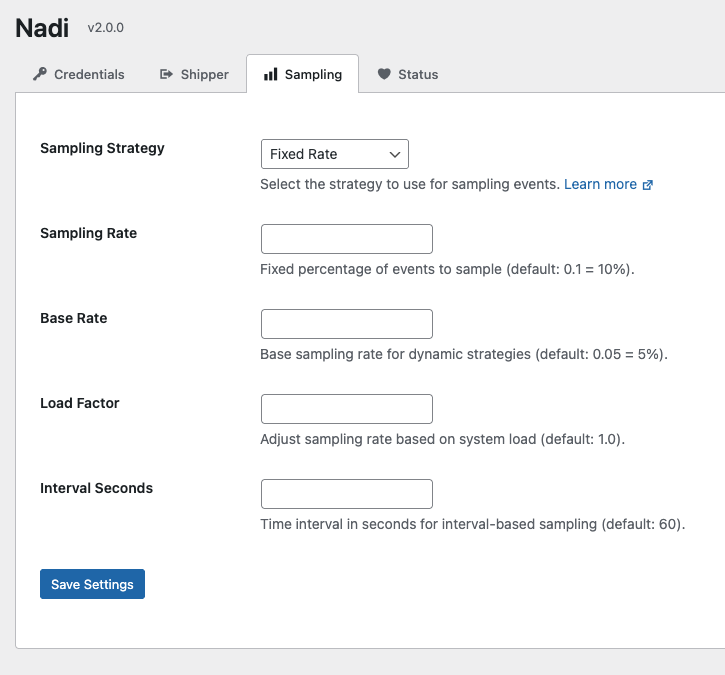
| Field | Default | Description |
|---|---|---|
| Sampling Strategy | Fixed Rate | Strategy for deciding which events to capture |
| Sampling Rate | 0.1 (10%) | Percentage of events to capture (0.0 to 1.0) |
| Base Rate | 0.05 (5%) | Base rate for dynamic strategies |
| Load Factor | 1.0 | Adjust rate based on system load |
| Interval Seconds | 60 | Time interval for interval-based sampling |
Available Strategies
| Strategy | Description |
|---|---|
| Fixed Rate | Captures a fixed percentage of events. Set Sampling Rate to 1.0 to capture all events. |
| Dynamic Rate | Automatically adjusts capture rate based on system load. Uses Base Rate and Load Factor. |
| Interval | Captures one event per time interval. Configure with Interval Seconds. |
| Peak Load | Adjusts during high traffic periods. |
Development
Set Sampling Rate to 1.0 during development to capture all events. For production, 0.1 (10%) is a good default.
Status Tab
Check plugin health and test your connection.
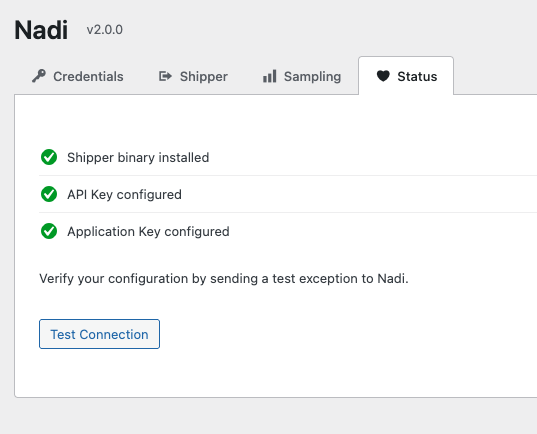
The status checklist shows:
- Shipper binary installed — whether the Go binary is present in
bin/ - API Key configured — whether an API key has been set
- Application Key configured — whether an application key has been set
Test Connection
Click Test Connection to send a test exception to verify your setup. The test exception will be written to the log directory and sent to Nadi on the next cron run (within 1 minute).
Install Shipper
If the Shipper binary is missing, an Install Shipper button will appear. Click it to download and install the binary automatically.
Configuration File
The Shipper settings are stored in config/nadi.yaml within the plugin directory. When you save settings from the Shipper tab, this file is updated automatically.
nadi:
  apiKey: "your-api-key"
  appKey: "your-application-key"
  endpoint: "https://nadi.pro/api/"
  accept: "application/vnd.nadi.v1+json"
  storage: "/path/to/wp-content/plugins/nadi-wordpress/log"
  trackerFile: "tracker.json"
  filePattern: "*.json"
  deadLetterDir: ""
  workers: 4
  compress: false
  persistent: false
  maxTries: 3
  timeout: "1m"
  checkInterval: "5s"
  tlsCACert: ""
  tlsSkipVerify: false
  healthCheckAddr: ""
  metricsEnabled: false
Next Steps
- Error Tracking - Advanced error tracking
- Production Setup - Cron, permissions, and security